
Launching something new
The first version has to be real, not a mockup
We scope the smallest version that can go live and build it on the structure the next releases will use.
From a focused landing page to the application your operations run on. We take the work through structure, content, design, build and launch, then hand over a CMS your editors can use without calling a developer.
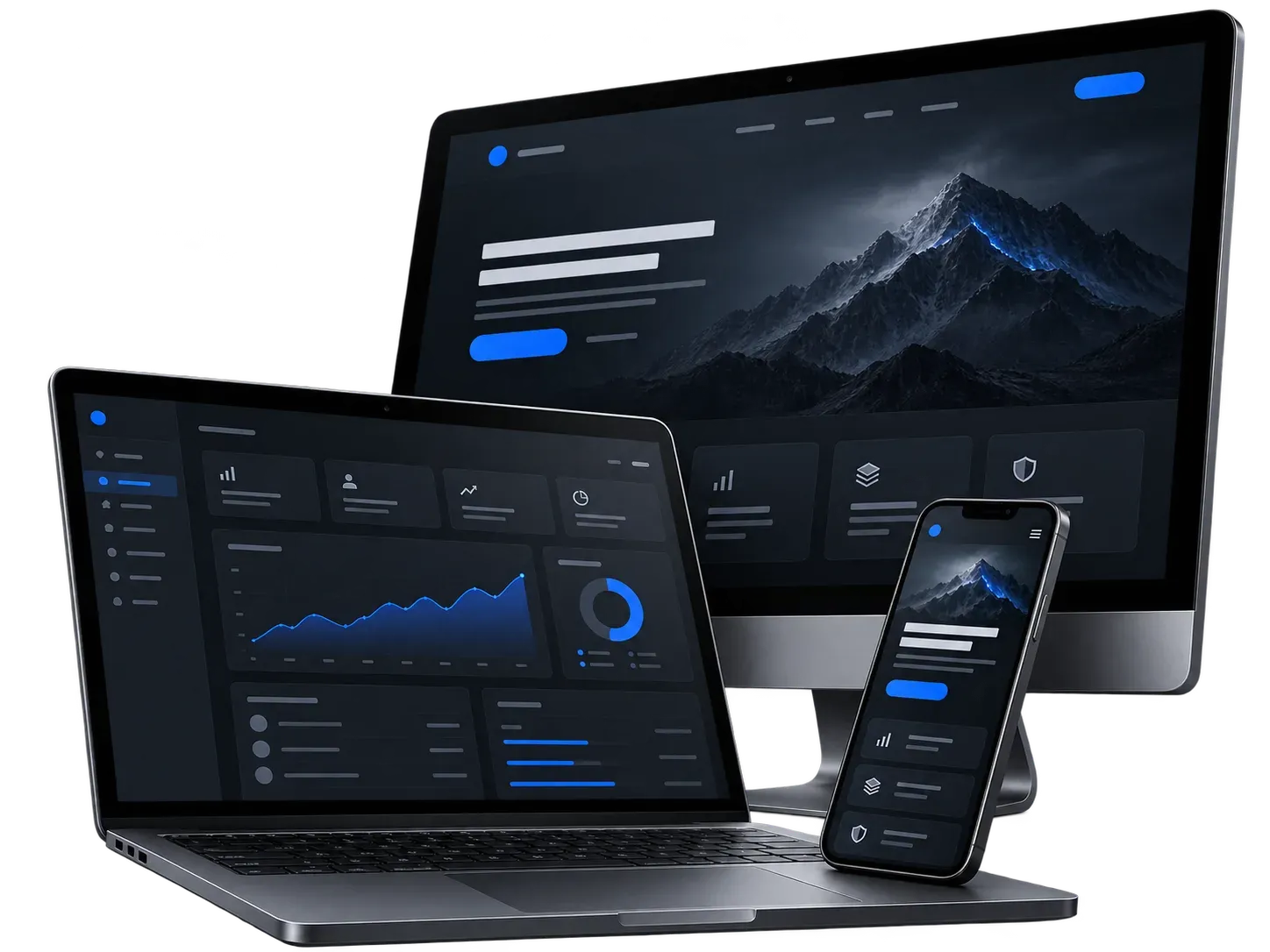
We scope the smallest version that can go live and build it on the structure the next releases will use.
We check what is there, keep what still works and move the rest to code with notes you own.
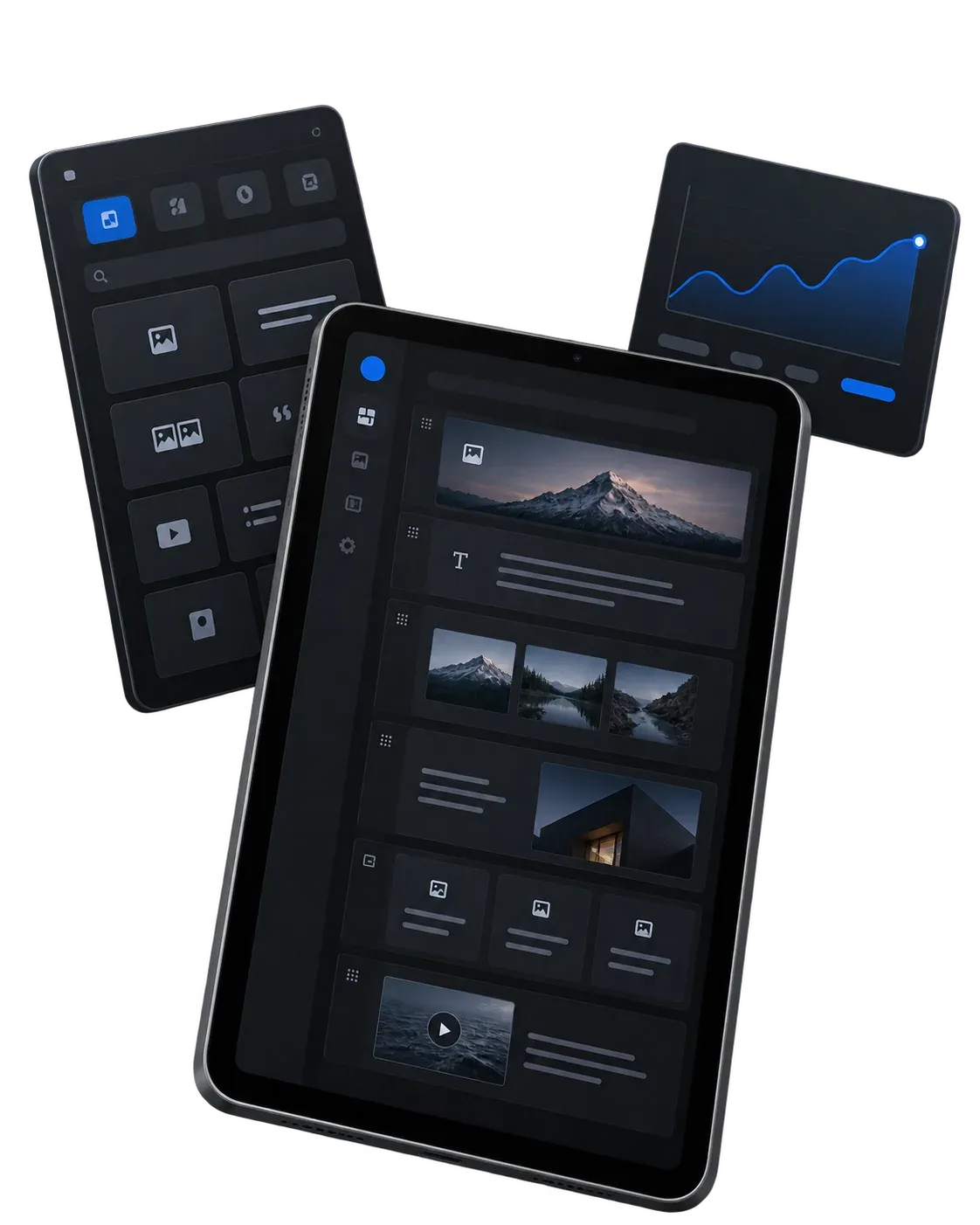
We set up a CMS with fixed page blocks, so editors change content themselves and the layout holds.
Planning a site or an internal tool? Tell us what it has to do.
Start a projectPages, content model and main journeys are agreed before any screen is designed.
Screens are built from one component library your team can extend later.
One project and one team, so nothing gets lost between design and build.
Pages, cases and posts are edited without us and without breaking the layout.
Search basics, analytics and performance budgets are in place from the first release.
We map the users, the decisions they make and the constraints around the project. The result is a short brief we can both check.
We define the pages, content model and main journeys before visual work begins. This is where the scope becomes testable.
We design the screens with the most important decisions first, then build the rest from the same component system.
We connect the interface, data, integrations and real content. You review a working version as the product takes shape.
We prepare the domain, analytics, backups and rollback process, then hand over the accounts and operating notes.
The repository is yours from the first commit, not after the final payment.
The same components as in the code, so new pages do not start from zero.
How to edit, deploy and roll back, written for the people who will maintain the site.
That is the point of the CMS setup. Pages, cases and posts are edited without a developer, and the structure stops editors from breaking the design.
Yes. If there is a design system we build from it. If there is only a PDF, we say honestly what will need rework.
You do. Code, design files and accounts are yours from the start, not after the final payment.
Two or three sentences are enough. We will reply with the questions needed to define a useful next step.